Hexazn – Tips & Tricks | Hexazn Blog

Author name: hexazn

LiteSpeed vs Nginx: Which Web Server Is Best for Your WooCommerce Site?

Choosing the right web server is important for the speed, stability, security, and overall performance of your WooCommerce store. A slow online store can create a poor shopping experience and may even cause customers to leave before completing their purchase. Two of the most popular web server options are LiteSpeed and Nginx. Both can deliver

LiteSpeed vs Nginx: Which Web Server Is Best for Your WooCommerce Site? Read More »

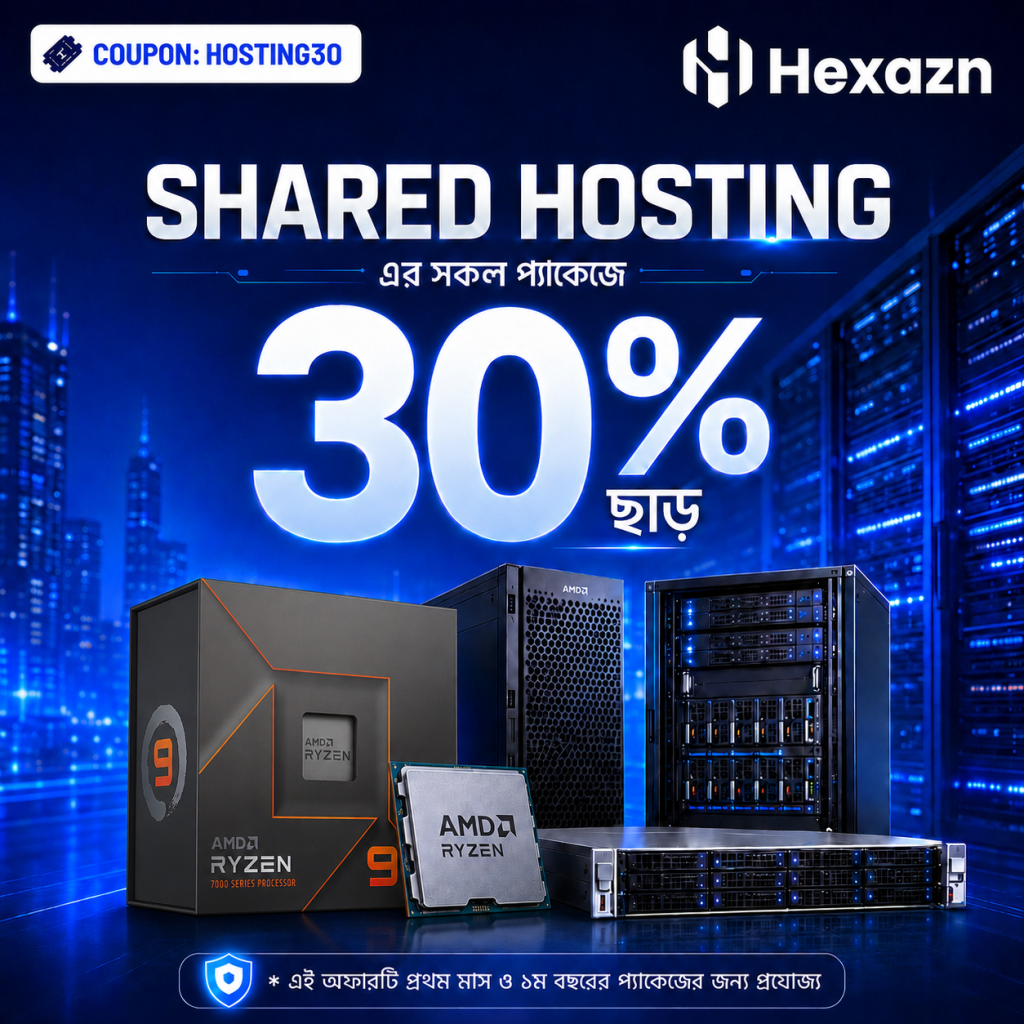
বাংলাদেশের দ্রুততম BDIX হোস্টিং, এখন Hexazn দিচ্ছে 30% ছাড়ে !!

PROMO: HOSTING30 আমাদের সকল ক্লাউড প্লাটফর্মে ব্যবহার করা হয়েছে NVMe PCIe Gen 4.0 SSD এর সাথে AMD Ryzen সিরিজের প্রসেসর যা আপনাকে দেবে সুপার ফার্স্ট কম্পিউটিং এক্সপেরিয়েন্স! Features: আর এই সব কিছুকে কানেক্ট করছে 1Gbps BDIX ও অন্যান্য NIX! পেমেন্ট মেথড: বিকাশ, নগদ, রকেট এছাড়া যেকোন ভিসা/মাস্টার কার্ড। আপনার ই-কমার্স ওয়েবসাইট, ওয়েব এপ্লিকেশান বা সার্ভিস

বাংলাদেশের দ্রুততম BDIX হোস্টিং, এখন Hexazn দিচ্ছে 30% ছাড়ে !! Read More »

Shared Hosting vs VPS

When choosing web hosting, two common options are Shared Hosting and VPS Hosting. Both can host websites, but they are designed for different needs. What Is Shared Hosting? Shared Hosting means multiple websites use the resources of the same server. You usually get access to tools such as: It is affordable, easy to manage, and

Shared Hosting vs VPS Read More »

VPS vs Dedicated Server

Choosing the right server is important for website speed, security, and performance. Two popular options are VPS Hosting and Dedicated Server Hosting. Both offer more control and resources than shared hosting, but they are designed for different needs. What is VPS Hosting? A VPS (Virtual Private Server) is created by dividing one physical server into

VPS vs Dedicated Server Read More »

How to Install WordPress?

Step 1: Open WordPress Manager by Softaculous Log in to your cPanel and click WordPress Manager by Softaculous. Step 2: Click the Install Button On the WordPress Manager page, click the Install button. Step 3: Enter Your WordPress Details Choose https://, select your domain, and keep the In Directory field blank. Then enter an Admin

How to Install WordPress? Read More »

Scroll to Top