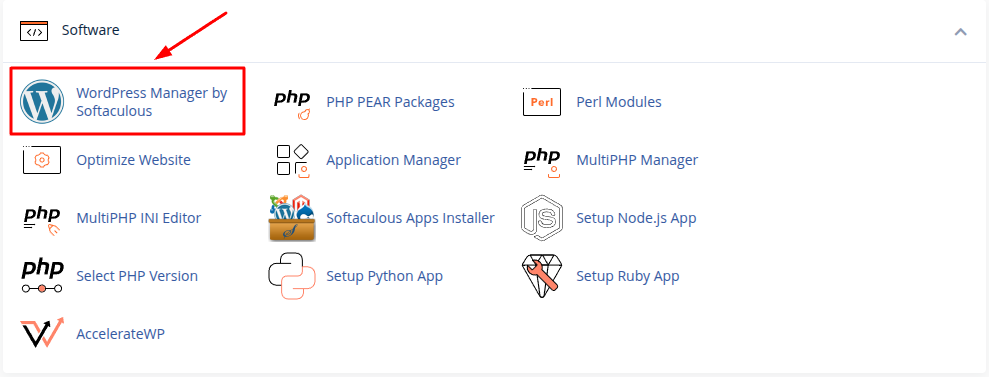
Step 1: Open WordPress Manager by Softaculous
Log in to your cPanel and click WordPress Manager by Softaculous.
Step 2: Click the Install Button
On the WordPress Manager page, click the Install button.

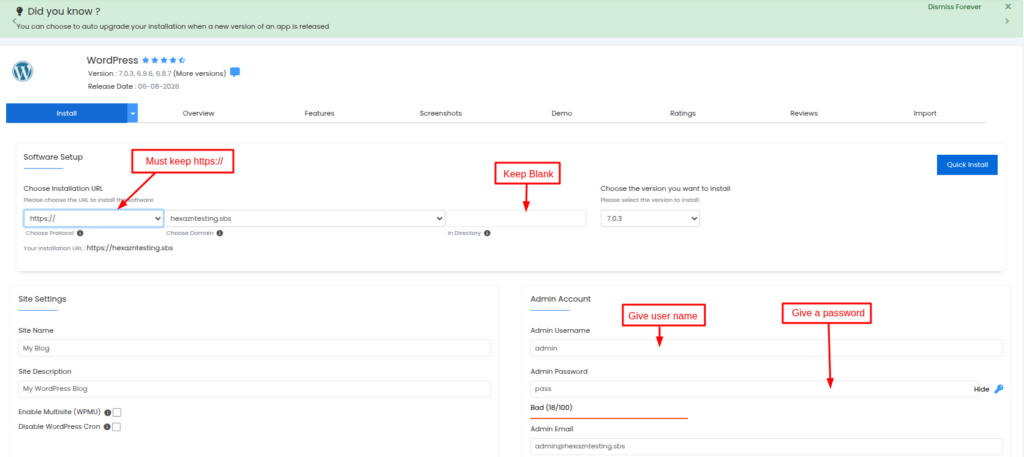
Step 3: Enter Your WordPress Details
Choose https://, select your domain, and keep the In Directory field blank. Then enter an Admin Username and create a Password for your WordPress login.
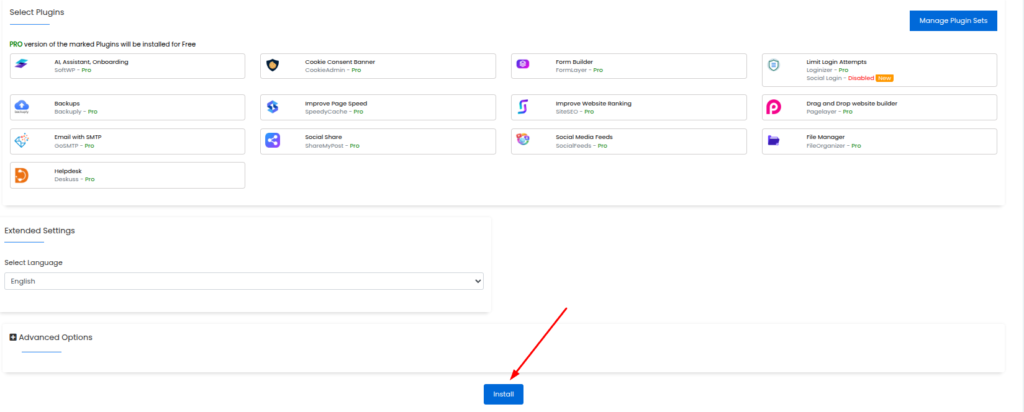
Step 4: Start the Installation
After completing the setup, click the Install button to start installing WordPress.
Step 5: Open Your WordPress Website
Once the installation is complete, you will see the installation details. Click the provided link to open your WordPress website or admin panel.
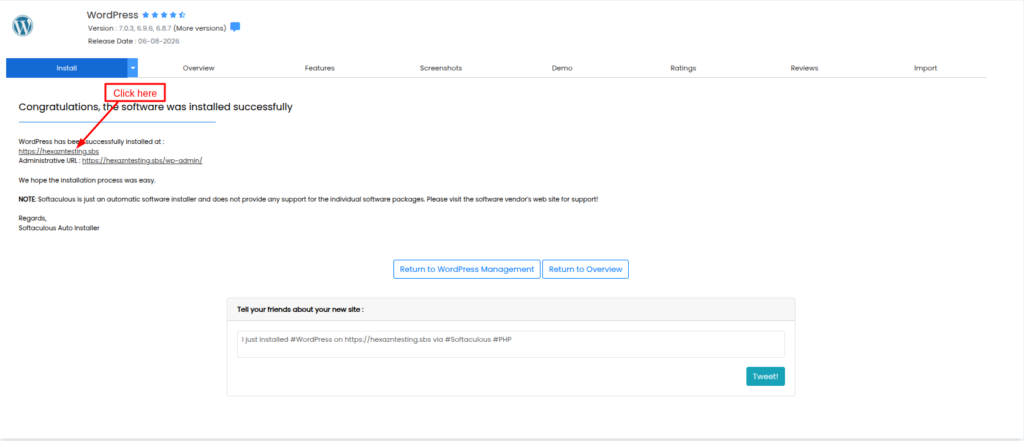
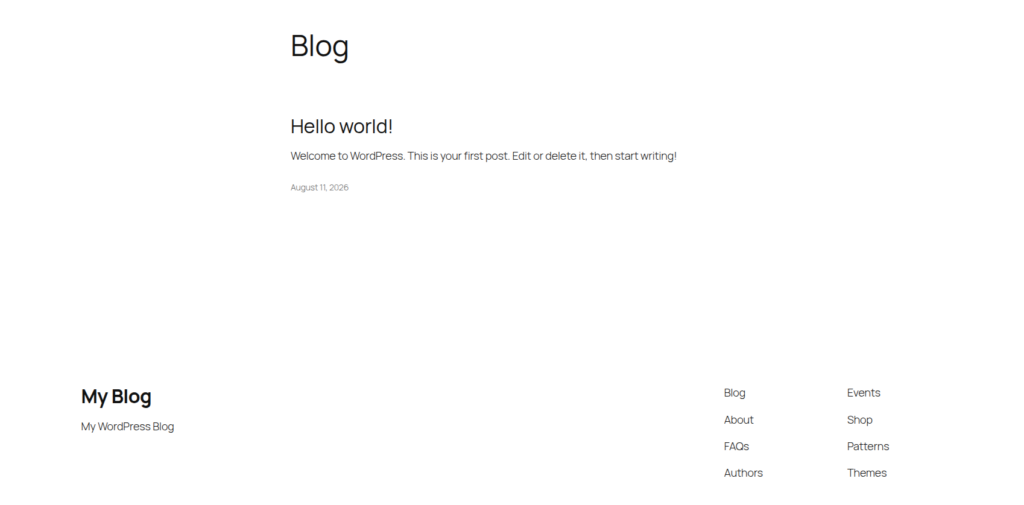
Step 6: WordPress is Installed Successfully
Now open your website. If you can see the page, your WordPress installation is complete.