Follow these simple steps to add a new domain to your cPanel account.
Step 1:
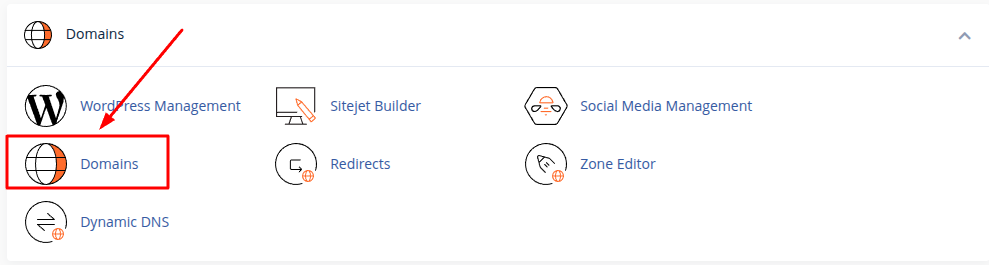
Log in to cPanel and go to the Domains section. Then click Domains.
Step 2:
On the Domains page, click Create A New Domain.

Step 3:
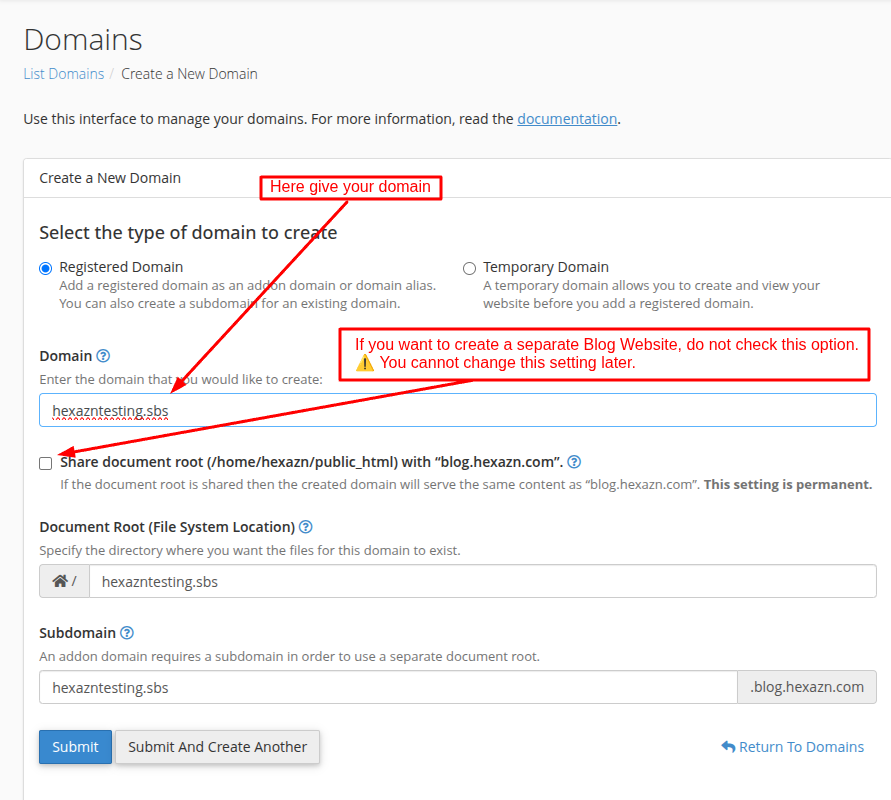
Enter the domain name you want to add in the Domain field.
For example: hexazntesting.sbs
If you want this domain to have its own separate website, do not check the Share document root option.
⚠️ The Share document root setting cannot be changed later.
cPanel will automatically create a separate Document Root for your new domain.
Step 4:
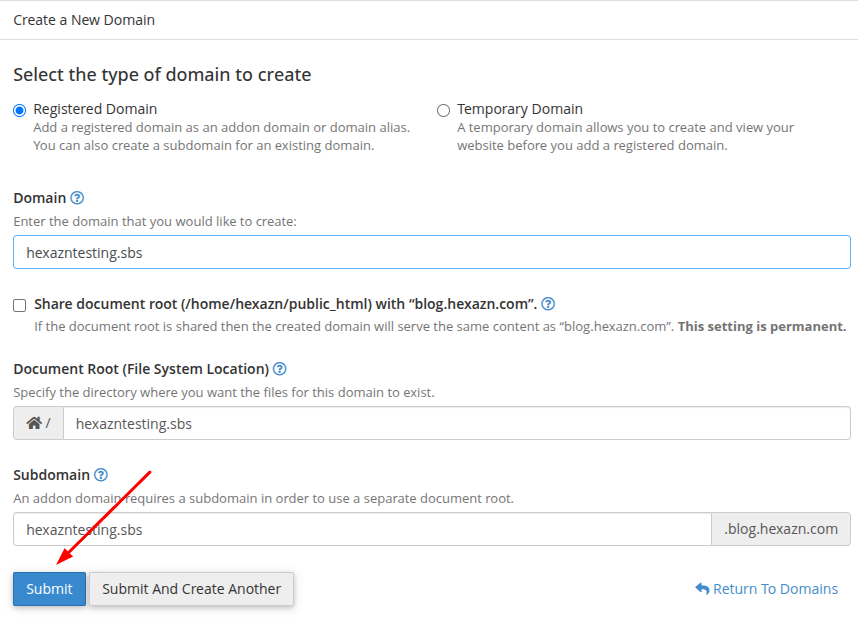
Check the information and click Submit.
Step 5:
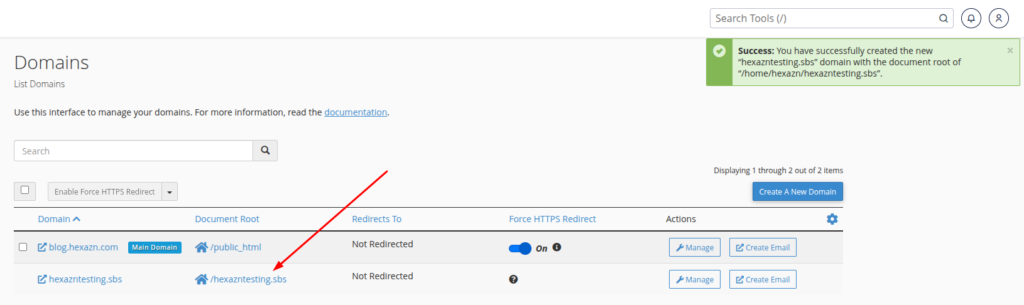
Done! Your new domain has been added successfully. You can see the new domain and its Document Root on the Domains page.